The Artist's Guide to Legally Downloading SoundCloud Playlists and Preparing Audio for PitchPlus
AI music analysis fails on 128kbps stream rips; accurate playlist matching requires pristine, legally sourced audio files.
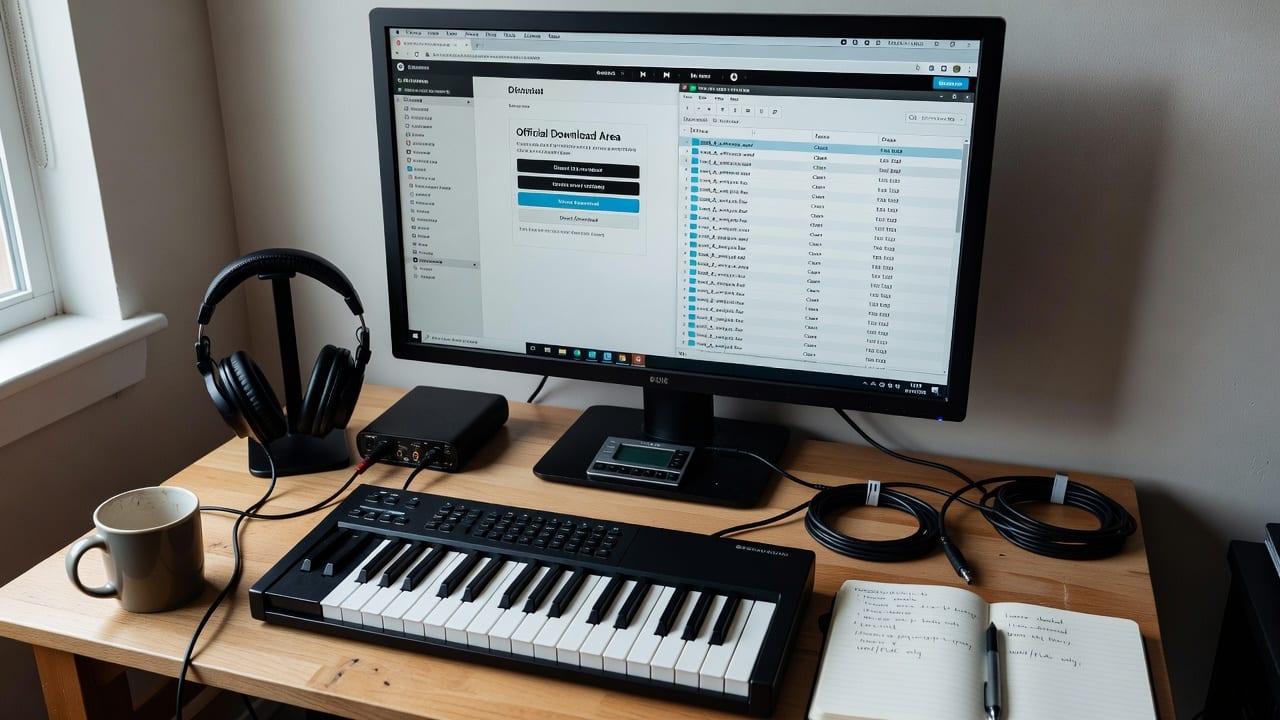
To legally download SoundCloud tracks for PitchPlus analysis, use the creator's official download button or authorized purchase links to secure lossless WAV or FLAC files, avoiding stream rippers that degrade audio quality and skew AI detection.
What Constitutes Clean Audio for PitchPlus Analysis?
PitchPlus relies on advanced acoustic analysis to match your music with the right curators and listeners. Unlike older platforms that rely entirely on user-submitted genre tags, PitchPlus scans the actual sonic profile of your uploaded files. This means the platform evaluates frequency response, transient sharpness, dynamic range, and stereo width to determine the true energy and mood of a track. If you feed the system degraded audio, the resulting data will be fundamentally flawed.
If you feed the system degraded audio, the resulting data will be fundamentally flawed.
Understanding this technical reality is crucial when evaluating SubmitHub Alternatives That Actually Use Your Music to Find Better Matches. Because PitchPlus actually listens to the audio rather than just reading your manual inputs, the fidelity of your upload directly dictates the accuracy of your playlist placements. Garbage in equals garbage out; pristine audio in equals highly targeted, data-backed curator matches.
How to Legally Download SoundCloud Tracks and Playlists
Securing high-quality audio from SoundCloud requires navigating the platform's official features rather than relying on illicit third-party websites. The only legal and technically sound method to extract audio from SoundCloud is through the permissions explicitly granted by the uploading artist or label. This ensures you receive the original file quality intended by the creator, which is essential for accurate reference track analysis or remix preparation.
Step 1: Utilize the Official Download Button
SoundCloud allows creators to enable direct downloads for their tracks. When an artist enables this feature, a "Download file" button appears beneath the track's waveform, next to the Share and Repost buttons. Clicking this button downloads the exact file the artist originally uploaded. If the artist uploaded a 24-bit WAV file, you receive a 24-bit WAV file. This is the gold standard for sourcing reference tracks for PitchPlus analysis.
Step 2: Follow Authorized Download Gates
Many independent artists use download gates (like Hypeddit or Toneden) to exchange free, high-quality downloads for social media engagement or email list signups. You will typically find these links in the track's description labeled as "Free Download." Following these links is entirely legal and usually results in a pristine WAV or 320kbps MP3 file, both of which are vastly superior to stream rips.
Step 3: Purchase Through Linked Storefronts
If a track does not have a free download option, check the "Buy" link integrated into the SoundCloud player. Artists frequently link their SoundCloud uploads to Bandcamp, Beatport, or Qobuz. Purchasing the track through these official storefronts guarantees you legal ownership of a lossless file, perfectly suited for clean audio uploads.
Step 4: Direct Artist Outreach
When a track is marked as private or lacks any download options, the most effective approach is direct networking. Send a polite, professional message to the artist via SoundCloud or Instagram. Explain that you admire their mix and want to use it as a reference track for your own PitchPlus analysis. Many independent producers are happy to share a private Dropbox link to a WAV file when approached respectfully by a peer.
When to Source Reference Tracks from SoundCloud
SoundCloud occupies a unique space in the 2026 music ecosystem, making it highly valuable for specific types of audio sourcing, but inappropriate for others. Knowing when to use SoundCloud to find reference tracks for PitchPlus analysis saves time and ensures you are comparing your music against the right sonic benchmarks.
You should source tracks from SoundCloud when you operate in underground electronic, hip-hop, or niche subgenres. The platform remains the primary testing ground for unreleased IDs, bootleg remixes, and experimental bass music. If your goal is to analyze the sonic profile of a hyper-specific, emerging micro-genre to see how your own track stacks up in PitchPlus, SoundCloud is often the only place those reference tracks exist.
Conversely, you should avoid using SoundCloud as a sourcing hub for mainstream pop, major-label country, or legacy rock releases. Major labels rarely enable direct downloads on SoundCloud, meaning you will be forced to purchase the tracks elsewhere anyway. Furthermore, mainstream tracks are readily available in guaranteed lossless formats on dedicated audiophile storefronts. Attempting to source these from SoundCloud often leads artists down the path of illegal stream ripping, which ruins the audio quality and defeats the purpose of AI analysis.
Preparing Your Audio Files for PitchPlus
Once you have legally acquired your reference tracks or finished bouncing your own original music, the files must be prepared for PitchPlus. Proper preparation ensures the AI engine can read the file without encountering digital artifacts, clipping, or metadata errors that could derail the playlist matching process.
Verify File Format and Bit Depth
Before uploading, inspect your audio files in your Digital Audio Workstation (DAW) or a dedicated audio editor. Confirm that the file is a WAV or FLAC. Check the bit depth and sample rate; PitchPlus performs optimally with 16-bit/44.1kHz or 24-bit/48kHz files. If you only have a 320kbps MP3, do not attempt to upconvert it to a WAV. Upconverting does not restore lost frequencies; it only creates a larger file size with the same degraded audio quality. Upload the 320kbps MP3 as is, but recognize that lossless is always preferred.
Check for True Peak Clipping
AI analysis tools read the dynamic range and transient response of your track. If your audio file is clipping (exceeding 0 dBFS), the transients are flattened into square waves. This digital distortion confuses the analysis engine, often causing it to misread the track's energy levels or categorize the mix as harsh. Use a true peak meter to ensure your master peaks at or below -1.0 dBTP (Decibels True Peak). If you are uploading a reference track downloaded from SoundCloud, run it through a meter to ensure the original artist didn't clip the master.
Optimize Pre-Distribution Metadata
While PitchPlus relies heavily on acoustic analysis, clean metadata provides vital context that supports the AI's findings. Ensure your file contains accurate ID3 tags, including the correct artist name, track title, and ISRC (if available). Conflicting or messy metadata can slow down the matching process. For a comprehensive guide on getting this right before you upload, review the pre-distribution checklist provided by the Pitch+ Team.
Uploading and Leveraging PitchPlus Tools
With your legally sourced, high-fidelity audio files prepared, the final step is executing the upload and utilizing the PitchPlus ecosystem. The platform is designed to take your clean audio and translate its sonic data into actionable promotional campaigns.
Navigate to the PitchPlus dashboard and select the direct upload option. Because you have ensured the file is lossless and free of clipping, the Smart Playlist Finder can immediately begin its deep acoustic scan. The system maps your track's frequency response, tempo, and mood, comparing it against thousands of active Spotify playlists to find curators who favor your exact sonic profile. This is why we rank the Smart Playlist Finder at the top of our category hub for The best Spotify playlist pitching tools—it removes the guesswork by relying on hard audio data.
Once the analysis is complete, PitchPlus generates a targeted list of curators. You can then use the Editorial Pitch Writer to craft personalized, data-backed pitches. Because the AI accurately identified your track's unique characteristics from a clean audio file, your pitches will highlight the exact sonic elements that specific curators are looking for. To maximize this workflow, follow our comprehensive guide on how to Pitch your song to Spotify playlists, which details how to integrate your new acoustic data into compelling curator outreach.
Legal Compliance and Data Protection
Operating within legal boundaries is not just about avoiding copyright strikes; it is about maintaining the integrity of your professional catalog. Downloading tracks illegally via stream rippers violates SoundCloud's Terms of Service and infringes on the copyright holder's exclusive rights to distribution and reproduction. When you upload illegally acquired, degraded audio to analysis platforms, you compromise your own data and risk account suspension.
PitchPlus is committed to ethical data usage and the protection of intellectual property. When you upload clean, legally sourced audio to the platform, your files are processed securely solely for the purpose of acoustic analysis and playlist matching. The system does not distribute, monetize, or publicly host your unreleased audio or the reference tracks you upload. For a detailed breakdown of how your audio files and metadata are handled, processed, and protected during the analysis phase, you can review the official PitchPlus Privacy Policy.
Frequently Asked Questions
Can I use third-party websites to download SoundCloud tracks for PitchPlus?
No. Third-party stream rippers violate SoundCloud's Terms of Service and extract highly compressed, degraded audio (usually 128kbps). This poor audio quality strips away high frequencies and ruins the accuracy of PitchPlus's AI acoustic analysis.
What audio format is best for PitchPlus analysis?
Lossless formats like WAV, FLAC, or AIFF at a minimum of 16-bit/44.1kHz are ideal. These formats preserve the full frequency spectrum and dynamic range, allowing the Smart Playlist Finder to accurately detect your track's genre, mood, and energy.
How do I find the official download button on SoundCloud?
If the artist has enabled direct downloads, a "Download file" button will appear directly beneath the track's waveform, alongside the Share, Repost, and More options. Clicking this provides the exact file the artist originally uploaded.
What should I do if a SoundCloud track doesn't have a download option?
Look for a "Buy" link in the track description that directs to Bandcamp or Beatport, or check for a "Free Download" gate link. If neither exists, you can send a direct message to the artist requesting a WAV file for reference purposes.
Reading is the easy part.
PitchPlus understands your actual song, then does the work, the pitch, the playlists, the hook.
Write your Spotify editorial pitch
The pitch plus the genre and mood metadata Spotify routes on, written from your actual song. Not a 500 character box you fill in blind.
Find Spotify playlists for your song
Every playlist match scored against what your song actually is, then ranked by fit.
Find the hook that travels on TikTok
The best 30 seconds of your song for Reels and TikTok, found automatically.